After a useful call
Hi [name], thanks for the call. As discussed, I will send [item] by [day/time]. Is this the best number for the details?
Good wording, ready for the next conversation
A useful WhatsApp template says why you are writing and gives the recipient a clear next step. Adapt the examples below, then save your own versions in WAPlus Ultra for Android to reuse after calls or when opening a chat.
Install WAPlus Ultra on Android, then set up the feature you need. Your installed messenger remains part of the workflow.
Start with the reason for the message: a missed call, a quote, an appointment, or a short absence. Replace every bracketed detail yourself; the examples do not promise automatic field filling.
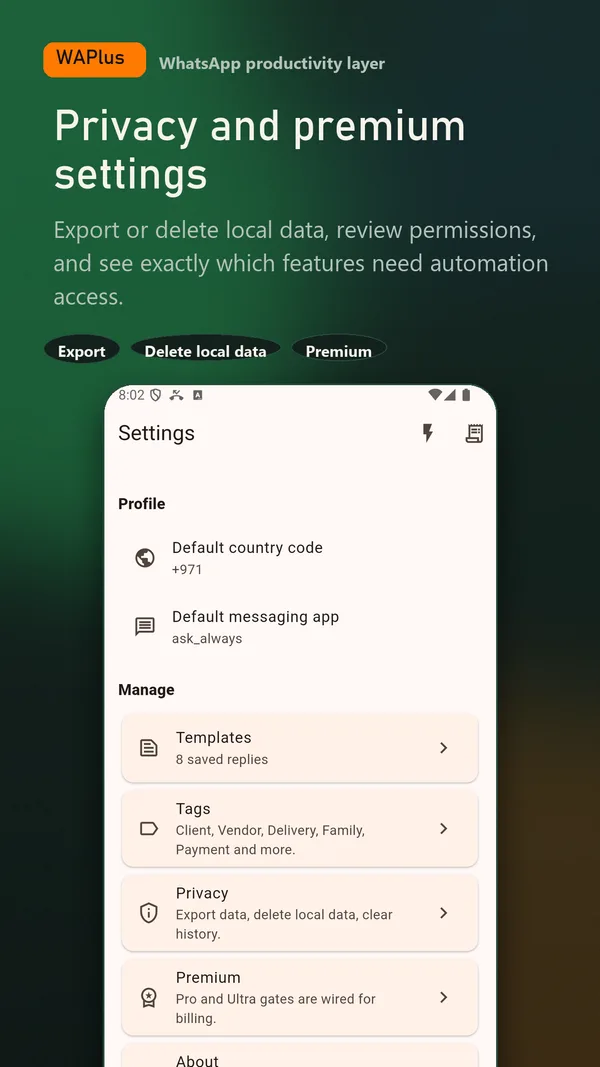
Open Templates in WAPlus Ultra and create a reply with a recognisable name, such as Missed call or Quote follow-up. Keep the message short enough to review at a glance.
Use the template in your reply workflow, confirm the recipient and details, then send from your installed WhatsApp app. Set a reminder if the conversation needs another follow-up.
Copy a starting point, replace every bracketed detail, and check the final message before sending.
Hi [name], thanks for the call. As discussed, I will send [item] by [day/time]. Is this the best number for the details?
Hi [name], I missed your call. I can call back at [time]. If easier, send a short message here so I can prepare.
Hi [name], following up on the quote for [service]. Is there anything you would like me to clarify before you decide?
Hi [name], a reminder of our appointment on [date] at [time] at [location]. Please let me know if you need to reschedule.
Thanks for your message. I am away from my phone until [time]. I will reply when I return.
This wording can also be used in a carefully scoped auto-reply rule. Notification and inline-reply support are required.
Hi [name], a reminder that invoice [reference] for [amount] is due on [date]. If you have already paid, thank you; please share the reference so I can check.
Hi [name], I am arranging your delivery for [date/time window]. Please confirm the address and a suitable contact number.
Happy birthday, [name]! Wishing you a lovely day and a great year ahead. Hope we can catch up soon.
Prepare the personal wording in advance and use an assisted schedule to remind you to send it.
Writing and keeping your own reply text is a local workflow. Additional access depends on how you choose to use the reply.
Replace placeholders, verify names, amounts, dates, and promises, and send messages the recipient expects. Templates do not verify information, authorise bulk outreach, or guarantee a response. A saved manual reply and an enabled automatic reply rule are different workflows.
In WAPlus Ultra, open Templates and save the reply text with a name you can recognise. Use it when preparing a reply, personalise the details, and review it in WhatsApp before sending.
No. These are wording examples and local reusable replies in WAPlus Ultra. They are not approved WhatsApp Business Platform templates or a replacement for its approval and messaging requirements.
The brackets in these examples show details for you to replace manually. Check the final wording before sending; this guide does not claim automatic field substitution.
Yes, as wording for a separately configured WAPlus auto-reply rule. The rule must be enabled, match a supported incoming notification, and have an available inline reply action. Test the scope, timing, and cooldown first.
Have a workflow in mind? Send a feature request to the developer.
Available for Android only
Keep your installed WhatsApp app. Add the tools that help you follow through.