Why use WAPlus Ultra for repeat messages?
WAPlus Ultra is an Android app. Install it from Google Play to save reusable templates and keep call notes and follow-ups together. WhatsApp controls the chat and final send.
One conversation, zero address-book clutter
Enter the country code and number, add an optional message, and move directly into the installed messenger. WAPlus Ultra keeps the repeat workflow close at hand.
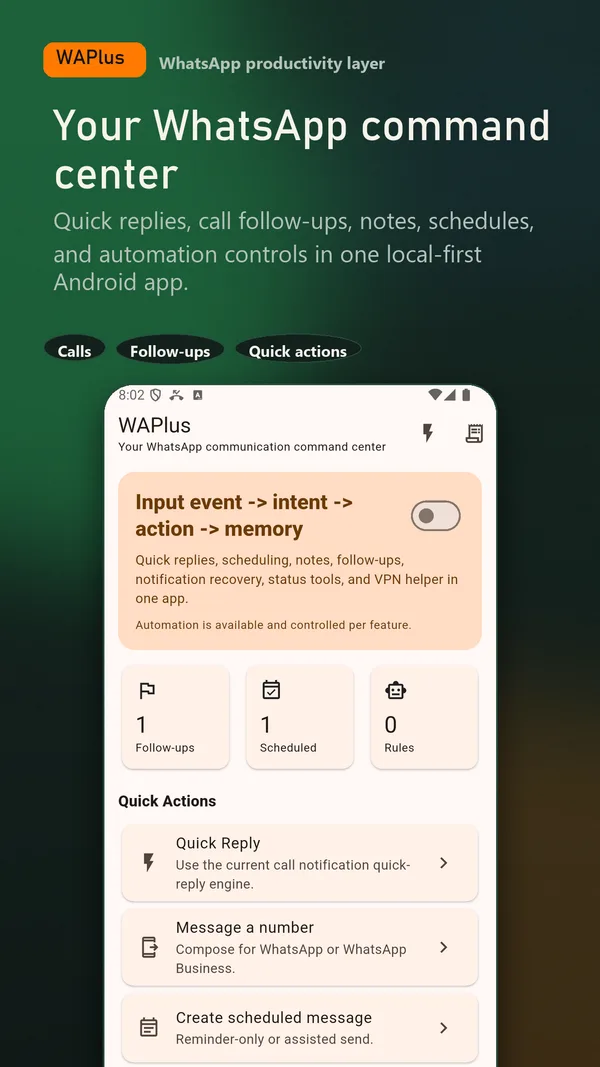
Install WAPlus Ultra on Android, then set up the feature you need. Your installed messenger remains part of the workflow.
Use the full country code. WAPlus Ultra normalizes the number before handing it to your selected messenger.
Type an optional message or use a reusable reply so the chat opens with a useful starting point.
WAPlus Ultra opens the selected installed messenger. The messenger validates the number and controls the conversation.
No. Manually entering a number does not require contact access. The destination app handles the chat.
WAPlus Ultra hands the number and optional text to the selected messenger. You review and send there; the app cannot guarantee that a number has an active WhatsApp account.
WAPlus Ultra is an Android app. Install it from Google Play to save reusable templates and keep call notes and follow-ups together. WhatsApp controls the chat and final send.
Yes. Use the international country code and omit the local trunk zero where applicable.
Have a workflow in mind? Send a feature request to the developer.
Available for Android only
Keep your installed WhatsApp app. Add the tools that help you follow through.