Does WAPlus Ultra listen to my calls?
No. It does not record or analyze call audio. Detection is based on supported Android call notifications.
The call ends. The next action appears.
WAPlus Ultra detects supported Android call notifications, records the outcome locally, and gives you a bubble or notification that opens a ready reply without saving the caller first.
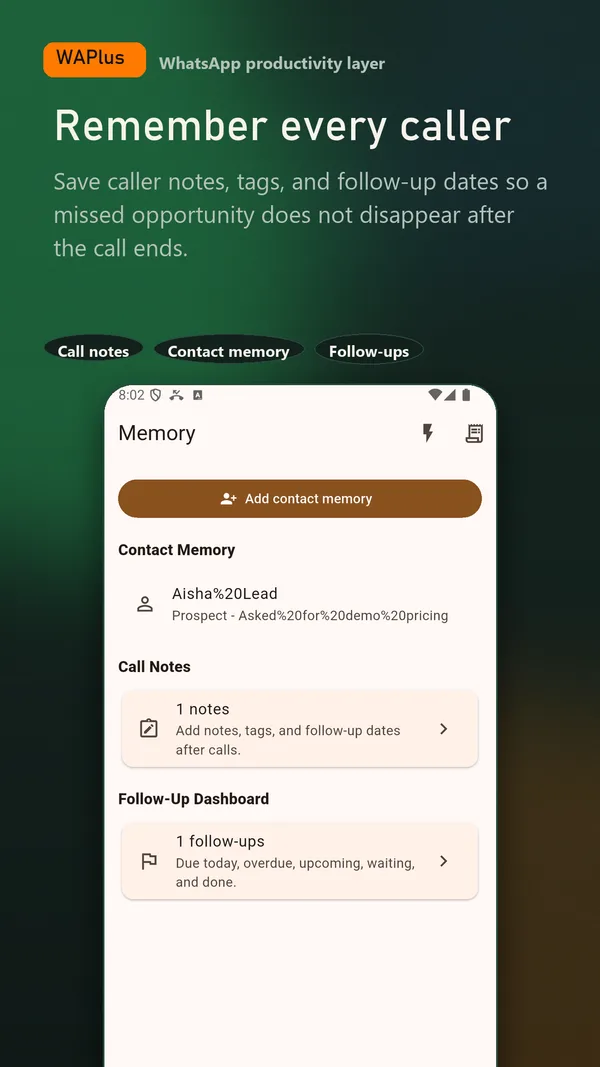
Install WAPlus Ultra on Android, then set up the feature you need. Your installed messenger remains part of the workflow.
WAPlus Ultra watches supported call notifications for an incoming, outgoing, missed, rejected, or unanswered outcome.
Use a floating bubble when you want an immediate shortcut, or a standard notification when you prefer a quieter workflow.
Pick a template or write a message, then continue in WhatsApp or WhatsApp Business.
WAPlus Ultra uses Android notification access for supported call notifications. It does not need permission to read your system call log.
Phone makers and dialer apps format notifications differently. WAPlus Ultra does not record calls, read call audio, or access the system call log; unsupported or suppressed notifications may not trigger a prompt.
No. It does not record or analyze call audio. Detection is based on supported Android call notifications.
Yes. You can use a standard Android notification instead and avoid overlay access.
Have a workflow in mind? Send a feature request to the developer.
Available for Android only
Keep your installed WhatsApp app. Add the tools that help you follow through.