Why is the status list empty?
Open the status in WhatsApp first, then return to WAPlus and refresh. Also confirm that you selected the matching standard or Business status folder.
Save the status that is already on your phone
Choose the WhatsApp status folder through Android's system picker. WAPlus shows status media that WhatsApp has cached on your device and lets you save a copy to your gallery.
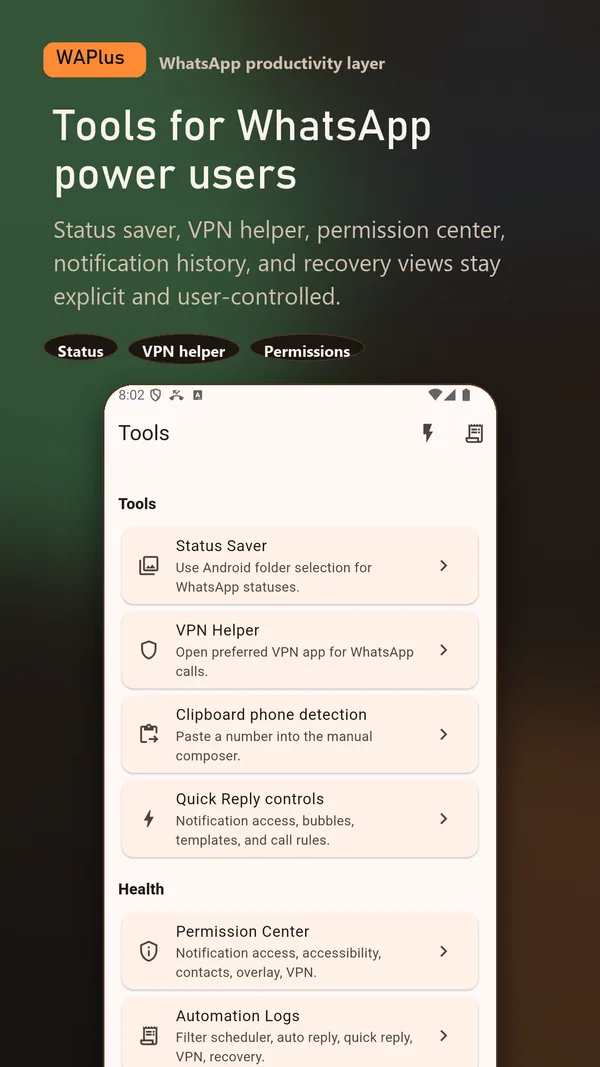
Install WAPlus Ultra on Android, then set up the feature you need. Your installed messenger remains part of the workflow.
WhatsApp must first cache the status media on your device. WAPlus cannot fetch a status from a remote account.
Use Android's folder picker to grant read access to the WhatsApp, Media, or .Statuses folder you select.
Refresh the available list, preview the item, and save a copy to your gallery when you have the poster's permission.
WAPlus uses Android's document picker. It reads the status folder you select and does not need blanket access to every file on your phone.
Only statuses already cached by WhatsApp can appear, and expired items may vanish. Save or share a person's status only when you have their permission.
Open the status in WhatsApp first, then return to WAPlus and refresh. Also confirm that you selected the matching standard or Business status folder.
No. The status workflow reads the selected local folder and saves locally to your gallery.
Have a workflow in mind? Send a feature request to the developer.
Available for Android only
Keep your installed WhatsApp app. Add the tools that help you follow through.