Does WAPlus include free VPN data?
No. WAPlus opens a supported VPN app you already installed; it does not sell or provide VPN service.
One less app hunt when a call starts
Choose a supported VPN app already installed on your phone. When WAPlus observes a supported WhatsApp call notification, it can open that VPN app so you can connect using the provider you trust.
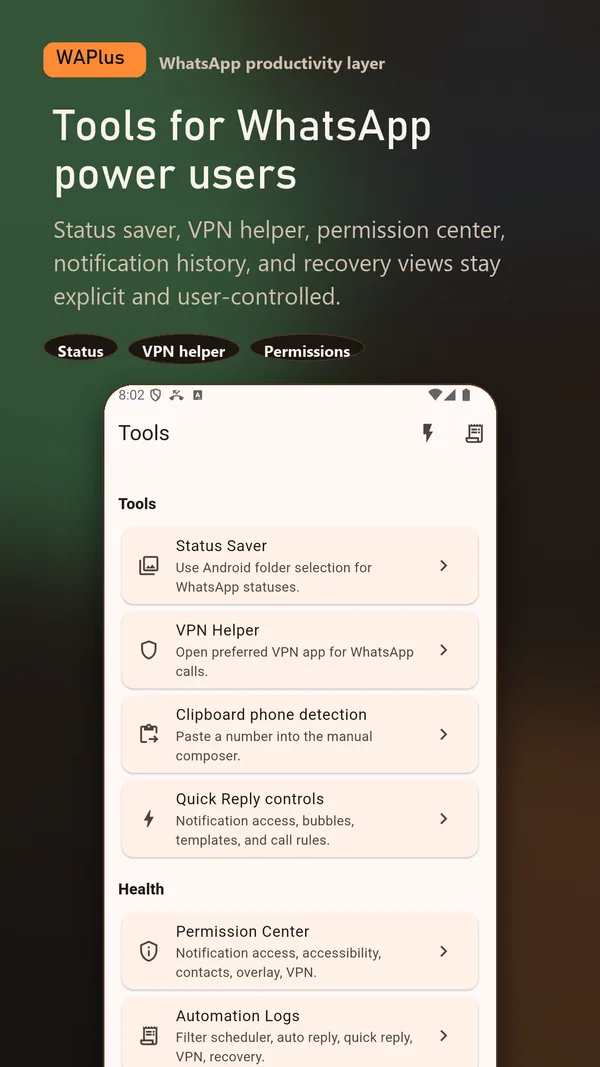
Install WAPlus Ultra on Android, then set up the feature you need. Your installed messenger remains part of the workflow.
Select a supported VPN app that is already installed and configured on your phone.
WAPlus watches supported WhatsApp or WhatsApp Business call notifications for the trigger you select.
WAPlus opens the provider. The VPN app owns the connection, subscription, server choice, privacy policy, and tunnel status.
The assist needs a local signal that a WhatsApp call is happening. WAPlus uses supported call notifications for that signal.
Opening the provider does not guarantee it is connected, paid, supported in your country, or suitable for WhatsApp calls. You are responsible for the provider and local rules.
No. WAPlus opens a supported VPN app you already installed; it does not sell or provide VPN service.
WAPlus opens the provider app. Any connection automation depends entirely on that provider's own capabilities and settings.
Have a workflow in mind? Send a feature request to the developer.
Available for Android only
Keep your installed WhatsApp app. Add the tools that help you follow through.